
Hindi Fonts in Alight Motion
Alight Motion is one of the most powerful mobile motion graphics and video editing apps, widely used for creating animated text, reels, and short videos. For creators who work with regional content, Hindi fonts in Alight Motion play a crucial role in making videos more engaging, culturally relevant, and visually appealing. Whether you create YouTube shorts, Instagram reels, or status videos, using Hindi typography can significantly enhance audience connection.
This article explains everything you need to know about Hindi fonts in Alight Motion, from understanding them to downloading, installing, and using them effectively.
Hindi Fonts in Alight Motion: What Are They?
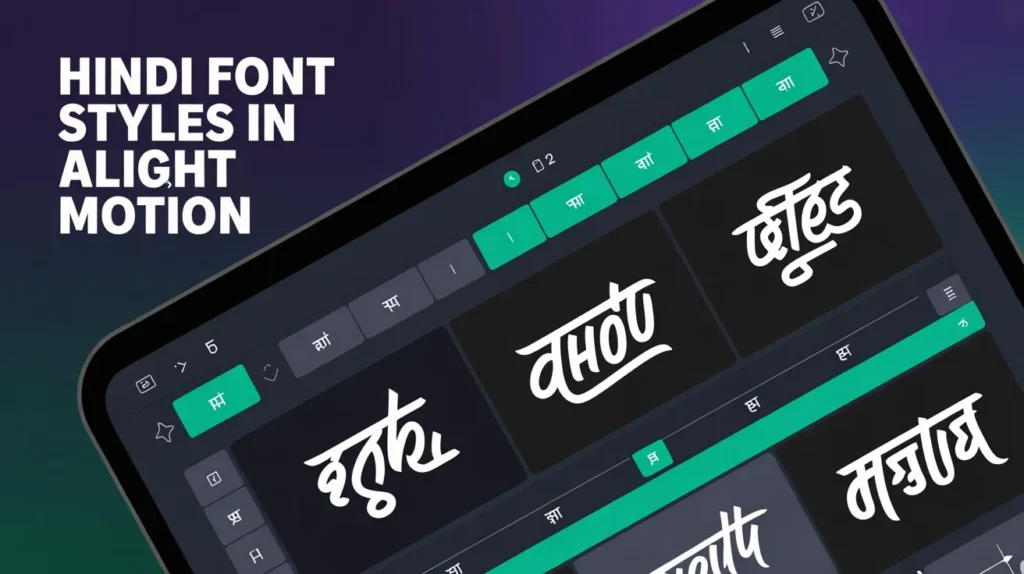
Hindi fonts in Alight Motion are typefaces that support the Devanagari script, which is used to write Hindi. These fonts allow creators to add Hindi text with proper letter shapes, matras, and ligatures, ensuring accurate and readable typography.
Unlike default English fonts, Hindi fonts are specially designed to handle complex character combinations. When used correctly in Alight Motion, they maintain text clarity even during animations, transitions, and effects. Popular styles include traditional, modern, calligraphy, bold, and decorative Hindi fonts.
Using Hindi fonts helps content creators deliver messages more authentically to Hindi-speaking audiences while maintaining a professional visual standard.
How to Download and Install Hindi Fonts in Alight Motion
Understanding how to download and install Hindi fonts in Alight Motion is essential because the app does not come with many built-in Hindi font options.
First, you need a Hindi font file, usually in TTF or OTF format. Once the font file is available on your device, open Alight Motion and go to the text tool. From the font selection menu, choose the option to add or import a custom font. Locate the downloaded Hindi font file and confirm the installation.
After installation, the font becomes part of your font library and can be used in any project. This process only needs to be done once for each font, making future access quick and easy.
How to Use Hindi Fonts in Alight Motion
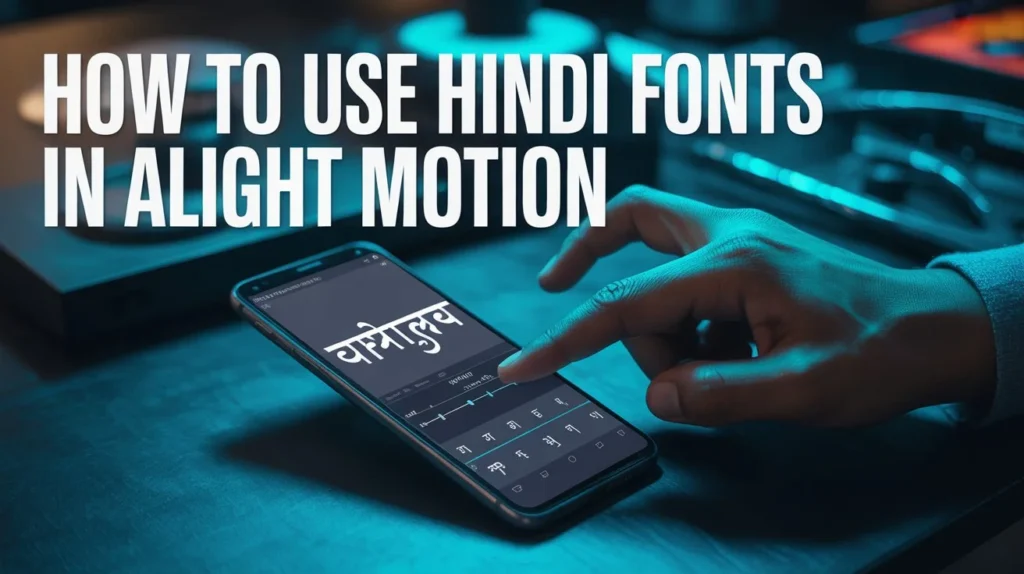
Learning how to use Hindi fonts in Alight Motion properly ensures that your text looks clean and professional.
Start by adding a text layer to your project. Select your installed Hindi font from the font list and type your text in Hindi. Make sure your device keyboard supports Hindi typing for accurate text input.
After adding the text, you can apply animations, keyframes, shadows, strokes, and blending effects. Hindi fonts work well with most Alight Motion effects, but it’s important to preview animations carefully to ensure that characters do not overlap or distort.
Adjust line spacing, letter spacing, and alignment to maintain readability, especially in fast-moving animations.
Tips for Using Hindi Fonts in Alight Motion
Following the right tips for using Hindi fonts in Alight Motion can greatly improve the quality of your videos.
- Always choose fonts that match your content theme. For emotional or poetic videos, calligraphy-style fonts work best, while bold fonts are ideal for motivational or informational content. Avoid overusing effects that may reduce text clarity, such as heavy motion blur or excessive distortion.
- Keep text size large enough for mobile viewers, as most audiences watch videos on small screens. Test your video on different resolutions to ensure the Hindi text remains sharp and readable.
Consistency is also important. Using the same font style throughout a video helps maintain a professional look and strong branding.
Using Different Styles of Hindi Fonts in Alight Motion
Using different styles of Hindi fonts in Alight Motion allows creators to add variety and creativity to their projects.
Bold Hindi fonts are perfect for headlines, quotes, and call-to-action text. Thin or minimal fonts work well for subtitles and background text. Decorative and handwritten fonts add personality and are ideal for festive, romantic, or storytelling videos.
You can combine multiple Hindi font styles in one project by assigning different fonts to headings and body text. However, it’s best to limit the number of fonts to avoid visual clutter. Proper font pairing enhances the overall design and keeps the viewer engaged.
Tips for Using Hindi Fonts in Alight Motion
Following effective tips for using Hindi fonts in Alight Motion can improve video quality and viewer engagement.
- Choose fonts that match your content mood—bold fonts for motivation, handwritten fonts for emotional content, and clean fonts for educational videos. Avoid excessive effects that may blur or distort Hindi characters.
- Keep text size large enough for mobile viewing and maintain consistent font usage throughout the video for a professional look.
Using Different Styles of Hindi Fonts in Alight Motion
Using different styles of Hindi fonts in Alight Motion allows creators to add creativity and depth to their videos.
- You can use bold fonts for titles, light fonts for subtitles, and decorative fonts for special scenes. Combining styles carefully helps highlight important text while keeping the design balanced.
- Avoid using too many fonts in one project, as this can reduce visual clarity.
Hindi Fonts in Alight Motion – Specification Table
| Font Style Type | Best Use Case | Visual Appearance | Suitable Content |
| Bold Hindi Fonts | Headings, titles | Thick and strong | Motivational videos, quotes |
| Regular Hindi Fonts | Body text | Clean and readable | Educational and informational videos |
| Calligraphy Hindi Fonts | Emotional text | Artistic and flowing | Shayari, poetry, lyrical videos |
| Decorative Hindi Fonts | Creative designs | Stylish and unique | Festive and promotional content |
| Handwritten Hindi Fonts | Personal tone | Natural and casual | Storytelling, vlogs |
| Minimal Hindi Fonts | Subtitles | Simple and neat | Reels, tutorials |
Conclusion
Hindi fonts in Alight Motion open endless creative possibilities for video editors who want to connect with Hindi-speaking audiences. By understanding what Hindi fonts are, learning how to download and install Hindi fonts in Alight Motion, and applying the right techniques to use them effectively, creators can produce visually stunning and meaningful content.
With smart font selection, proper styling, and creative experimentation, using different styles of Hindi fonts in Alight Motion can elevate your videos and make them stand out in today’s competitive digital space.
