Top 20 Trending Fonts for Alight Motion (Free Download)
Top 20 Trending Fonts for Alight Motion,Typography is the secret sauce of exceptional video editing. Whether you are creating a cinematic intro, a fast-paced gaming montage, or an emotional lyrics video, the font you choose determines how your audience feels.
Alight Motion has become the go-to mobile motion graphics app for creators. While it comes with great default options, importing custom trending fonts is what truly sets professional editors apart.
In this ultimate guide, we have curated the Top 20 trending fonts for Alight Motion that are dominating TikTok, Instagram Reels, and YouTube Shorts. Best of all? They are completely free to download!
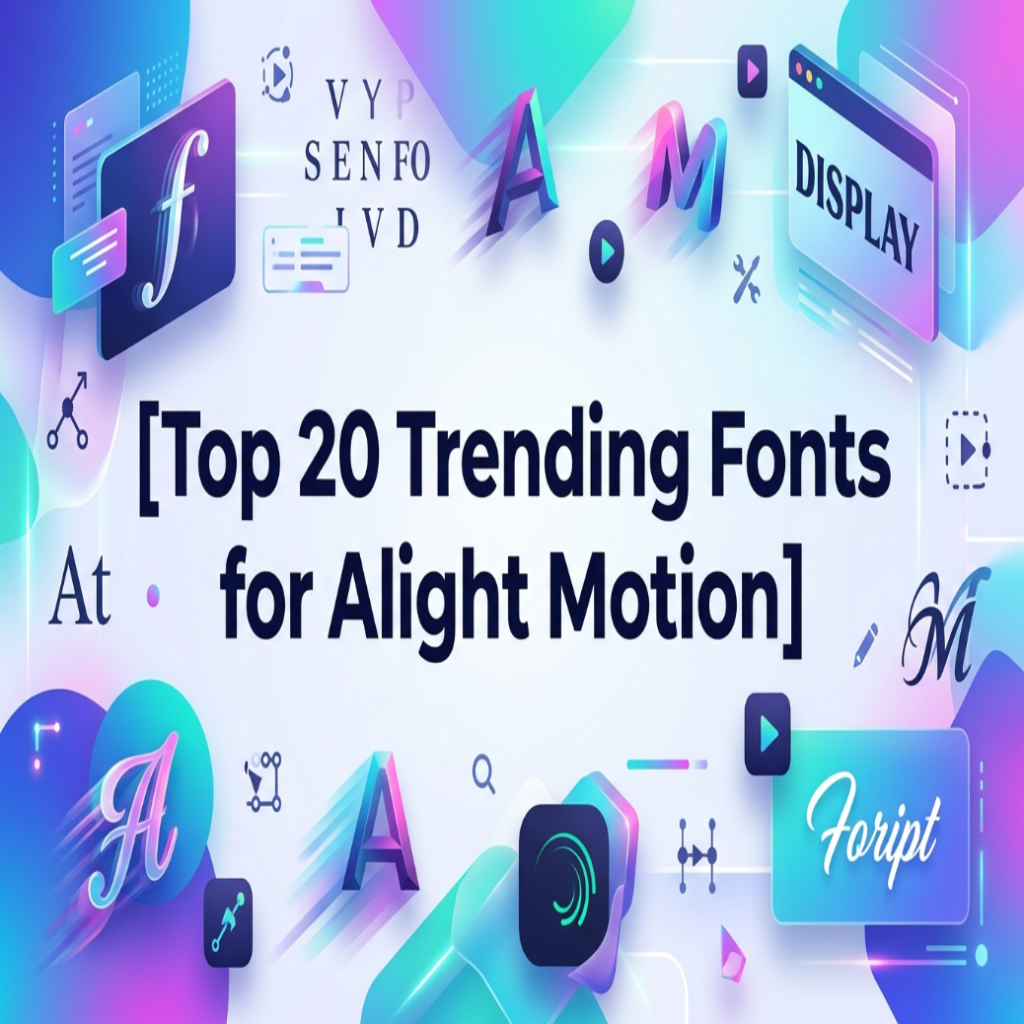
Top 20 Trending Fonts for Alight Motion
1. Cinematic & Luxury Fonts
These fonts are perfect for high-end aesthetic videos, fashion edits, vlogs, and dramatic title intros.
- Vogue (Couture): The absolute king of high-fashion and minimalist luxury video aesthetics.
- Playfair Display: A classic serif font that brings elegance and sophistication to your text transitions.
- Cinzel: Inspired by classical Roman inscriptions, ideal for movie-style titles.
- Cinematic English: A bold serif font that gives a Hollywood poster feel to any frame.
2. Bold & Impactful Fonts (For Edits & Memes)
If you want your text to pop out instantly over complex video backgrounds, these thick, high-visibility fonts are your best choice.
- Bebas Neue: The absolute standard for clean, modern headings and uppercase text animations.
- Impact: A timeless, heavy sans-serif widely loved for clean visual prominence and meme edits.
- League Spartan: Structural, geometric, and exceptionally strong for modern kinetic typography.
- ChunkFive: A bold prose slab-serif that adds weight and a slightly retro punch to titles.
3. Clean & Modern Sans-Serif Fonts
Perfect for subtitles, informative text, and minimalist edits where readability is the top priority.
- Poppins: One of the most trending geometric fonts, highly versatile for scaling down into clean subtitles.
- Montserrat: A sleek, urban-inspired font that looks incredibly sharp with glow and shadow effects.
- Open Sans: Highly readable and neutral, making it perfect for long-form captioning.
- Roboto: Google’s clean standard font that pairs seamlessly with heavy motion blur effects.
4. Aesthetic & Trendy Display Fonts
These are the fonts making waves on social media algorithms due to their unique, eye-catching shapes.
- Urban Vibes: A trendy street-culture font that brings a raw, youthful energy to graphic overlays.
- Glitch Art: Perfect for cyber, tech, gaming, or dystopian-style text distortions.
- Bangers: A comic-book-inspired font that packs an instant punch for gaming and commentary videos.
- Abril Fatface: Elegant yet heavy, balancing a sleek high-contrast look with big visual weight.
5. Script & Brush Fonts (For Lyrics Videos)
If you are making Urdu/English poetry or slow-motion lyrics videos, these flowing script fonts will elevate the emotional vibe.
- Great Vibes: A beautifully flowing, elegant cursive script perfect for smooth fade-in animations.
- Pacifico: A fun, casual brush script that adds a laid-back, summer-vibe aesthetic.
- Alex Brush: A clean script with distinct short ascenders and descenders, making it highly readable.
- Dancing Script: A lively, casual font where letters bounce slightly—perfect for emotional or lo-fi videos.
How to Install Custom Fonts in Alight Motion
Importing these external fonts (.ttf or .otf files) into Alight Motion is quick and easy:
- Download your favorite font files from safe, free repositories like Google Fonts or DaFont.
- Open Alight Motion and create or open a project.
- Tap the “+” icon and select Text to create a text layer.
- Tap on the Font Name dropdown menu at the top.
- Click on “View All Fonts”, then tap the three lines (Menu) in the top-left corner.
- Select “Import Fonts”, locate your downloaded
.ttf/.otffile from your device’s storage, and you are done!
Conclusion
Choosing the right typography can transform an ordinary video into a viral masterpiece. By importing these top 20 trending fonts into Alight Motion, you unlock endless creative possibilities for your cinematic intros, lyrics videos, and social media reels.
Don’t settle for the default, basic text options. Download your favorite styles from this list, experiment with Alight Motion’s built-in text effects, and give your content the professional edge it deserves. Happy editing! with Top 20 Trending Fonts for Alight Motion 2