How to Use And Import Alight Motion QR Codes in 2026 (Complete Guide)
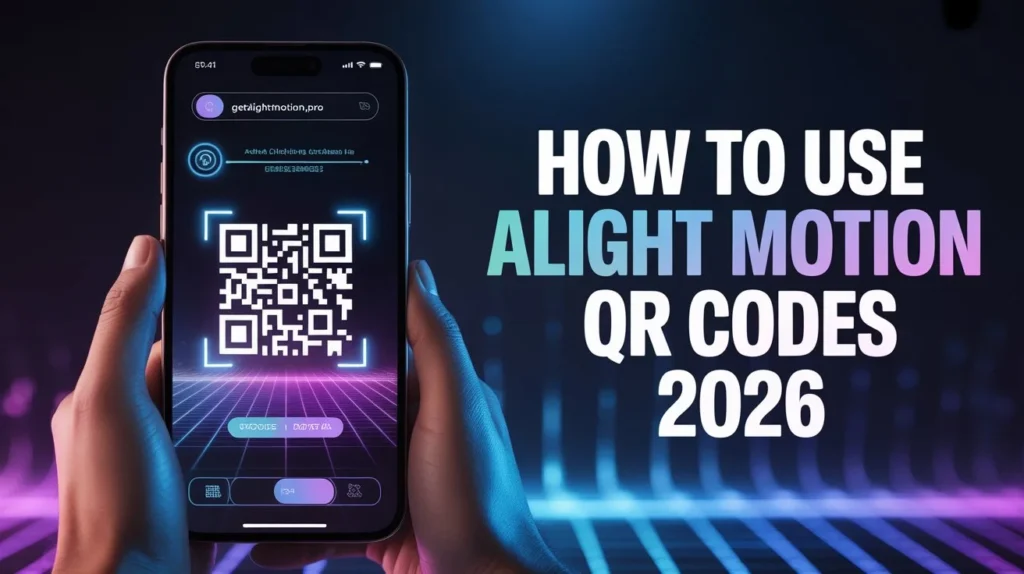
Struggling With Manual Editing? QR Codes Make It EasyVideo editing becomes frustrating when you have to manually create every animation, transition, and effect from scratch. Beginners often spend hours trying to match professional editing styles but still fail to get smooth results. That’s why learning how to use and import Alight Motion QR codes is so useful in 2026 because it allows instant application of ready-made effects.
These QR codes help you import complete presets directly into Alight Motion, saving time and improving video quality without needing advanced editing skills.
What Are Alight Motion QR Codes and How Do They Work?
Alight Motion QR codes are special images that contain encoded animation data, including effects, transitions, color grading, and text styles. When scanned, the app reads this data and automatically applies it to your project timeline.
Instead of manually adjusting every layer, QR codes work as shortcuts that instantly load complete editing setups into your project. This makes editing faster, more efficient, and beginner-friendly.
Types of Alight Motion QR Codes
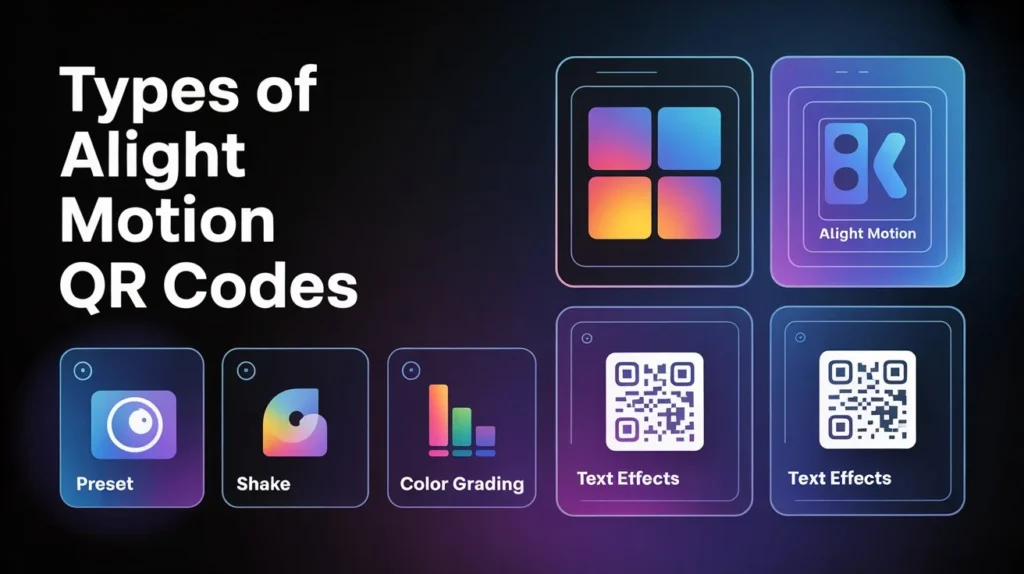
Preset QR Codes
These are used for general animation effects, transitions, and motion graphics.
Shake Effect QR Codes
Used for dynamic movement and vibration effects in music edits.
Coloring QR Codes
Used for cinematic color grading and mood adjustments.
Text Effect QR Codes
Used for animated titles, captions, and stylish typography.
How to Use Alight Motion QR Codes Step by Step
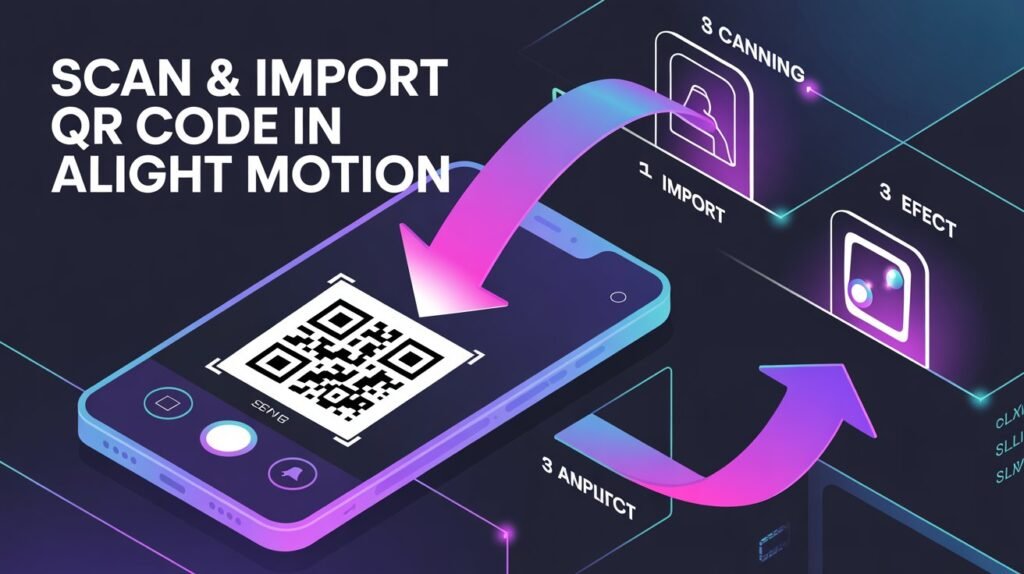
To use QR codes properly, first download a QR preset from a trusted source. After downloading, open your editing project inside Alight Motion and prepare your timeline where you want to apply the effect.
Then scan the QR code using a scanner tool or built-in method. Once scanned, a link will open that automatically imports the preset into your project. After import, you can adjust timing, colors, and effects based on your video needs.
QR Code Types Comparison Table
| QR Code Type | Purpose | Best For |
| Preset QR | General effects & transitions | Beginners & editors |
| Shake QR | Motion vibration effects | Music & beat edits |
| Coloring QR | Color grading filters | Cinematic videos |
| Text QR | Animated text styles | Titles & captions |
| Full Project QR | Complete project import | Advanced editing |
Pros and Cons of Alight Motion QR Codes
Pros
Using QR codes saves a lot of time because you don’t need to build effects manually. They also help beginners create professional-quality edits without technical knowledge. Another advantage is that QR presets can be shared easily, making collaboration faster and more efficient.
Cons
However, QR codes also have some limitations. Some presets may not work on older versions of the app or low-end devices. Additionally, overusing QR presets without customization can make videos look repetitive and less unique.
How to Generate Your Own Alight Motion QR Code
You can create your own QR codes by finishing your project inside Alight Motion and exporting it as a project package. After exporting, select the QR code option and the app will generate a scannable image for sharing.
This allows other users to import your entire project instantly, including all layers, effects, and animations.
Where to Find Alight Motion QR Codes Online
You can find QR codes on YouTube tutorials, TikTok editing pages, and mobile editing communities where creators share free presets. Many websites also offer downloadable QR packs for different styles like cinematic, shake, and transitions.
List: Best Practices for Using QR Codes
- Always use high-quality QR sources
- Customize presets after importing
- Avoid overusing multiple effects in one project
- Keep your project optimized for performance
- Test QR presets before final export
Common Problems With QR Codes and Fixes
QR codes sometimes fail due to poor image quality or outdated links. If a QR code does not scan properly, try using a clearer version or a different scanner.
Another issue is compatibility errors inside Alight Motion, which usually happen when the app version is outdated. Updating the app and retrying often solves the problem.
Conclusion
Learning how to use and import Alight Motion QR codes is one of the easiest ways to improve your editing workflow in 2026. It saves time, improves video quality, and allows instant access to professional effects without manual effort.
With proper use of QR presets inside Alight Motion, you can create high-quality, engaging, and creative videos while keeping your editing process fast and simple.